Before you start
You can log in to the target server from a terminal (key or ssh-agent already configured):
ssh dev "echo ok"If that prints ok, you are set. If you only have a password, that works too — the app will ask for it.
Five steps
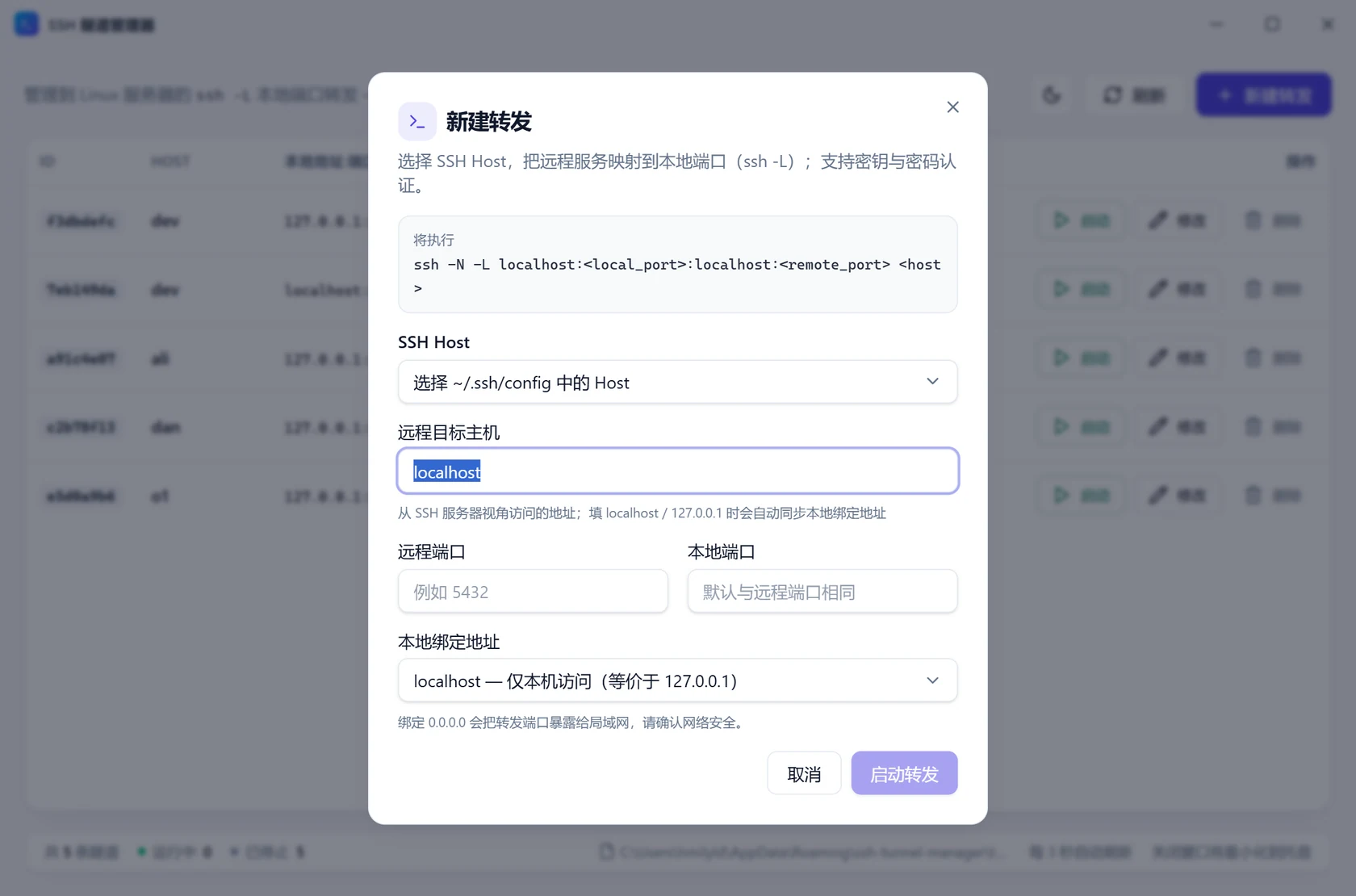
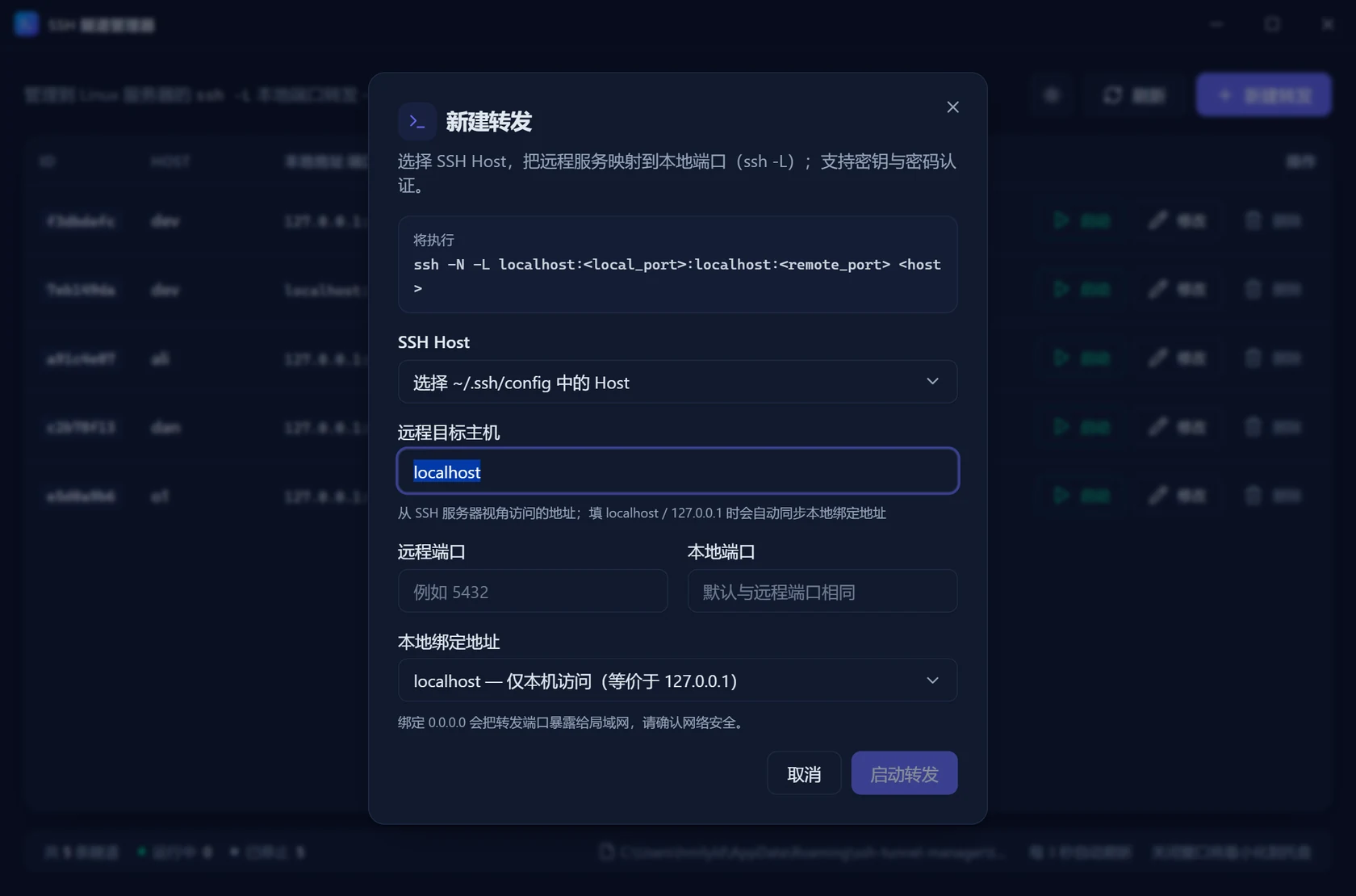
- New forward: click “New forward” in the top right.
- Pick a host: the dropdown lists
Hostaliases from~/.ssh/config, for exampledev. - Remote address: remote host defaults to
localhost; enter the port of the service you want, say PostgreSQL on5432. - Local port: defaults to the same number, or pick any free port such as
4096. - Start: click “Start forward”. The dialog previews the exact
ssh -N -L …command that will run.
On success a row appears in the list with the status running. That happens only after the local port is really listening, so a slow server takes a little longer — but it is never reported as ready early.
Verify
Connect to the local port from a terminal:
Test-NetConnection 127.0.0.1 -Port 4096nc -vz 127.0.0.1 4096Or just point your client at 127.0.0.1:4096 — to a local program it is simply a local database.
Choosing a bind address
| Bind address | Who can connect | Typical use |
|---|---|---|
127.0.0.1 | This machine only | Default, safest |
localhost | Same as 127.0.0.1 | Clients that insist on a hostname |
::1 | Local IPv6 | When the target only listens on IPv6 |
0.0.0.0 | Anyone on your LAN who can reach this machine | Demos for colleagues or phones; use with care |
When the remote host is localhost or 127.0.0.1, the bind address follows it; switching to 0.0.0.0 is a manual choice.
Why not default to 0.0.0.0 Binding to
0.0.0.0lets anyone on your network reach the database directly. Unless you need that, keep127.0.0.1.
What the status means
| Status | Meaning |
|---|---|
| Running | The PID is non-zero and that PID really is an ssh process |
| Stopped | The PID is zero, or it has been reused by another program |
The first load briefly shows a skeleton screen, then the list refreshes every 3 seconds — or immediately when you click “Refresh”.